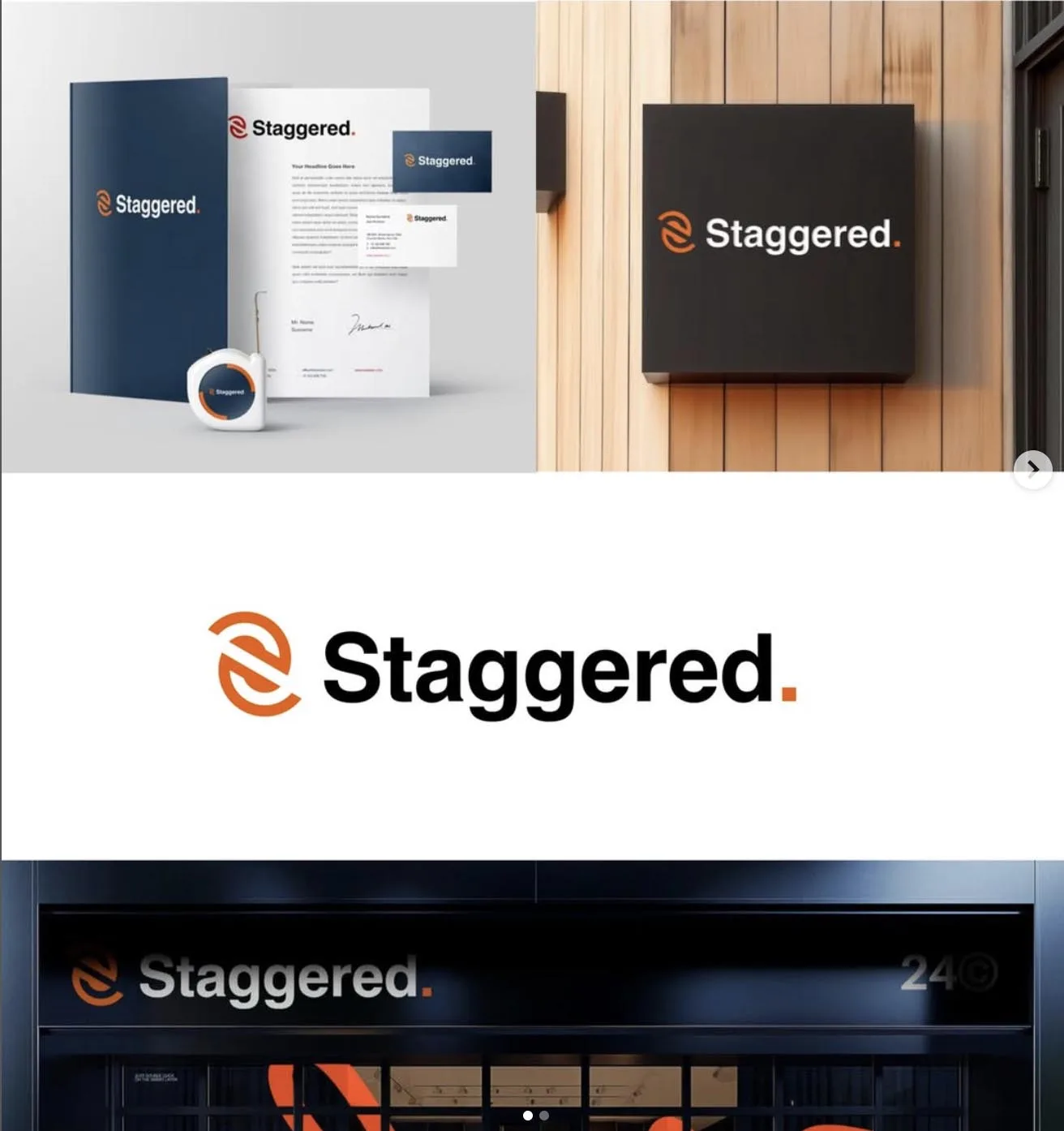
A vector logo stays sharp when it is enlarged because it is built from lines and shapes rather than a fixed grid of pixels. That makes it a useful master file for everything from business cards to shop signs, vehicle graphics and large-format print.
If you have been asked for a vector file and wondered what that means, you are certainly not alone. Here is a straightforward guide to why it matters, how you can create one, and how Purple Frog can help.
What is a vector logo?
A JPG or PNG is made up of tiny squares called pixels. When a small image is stretched to a much larger size, those squares become more noticeable and the edges can look soft or blocky.
Vector artwork works differently. It describes your logo using lines, curves and shapes, which can be resized without introducing that pixelation.
Think of it as having the instructions for drawing your logo again at any size, rather than stretching a small photograph of it.
Why are vector logos important for signs and large-format print?
A logo that looks clear on your phone might not be suitable for a three-metre-wide shop sign. Starting with vector artwork gives us a flexible foundation for producing your branding at different sizes.
It is particularly useful for:
- Sharp lettering and clean edges: keeping your logo clear as it grows.
- Consistent branding: using the same master artwork across signs, vehicle graphics, banners and printed materials.
- Making adjustments: editing individual shapes or colours without rebuilding the whole logo.
- Cut lettering and graphics: providing the outlines needed for processes such as cut-vinyl production.
This does not mean every image must be a vector. Photographs normally remain pixel-based and can print beautifully when their resolution is suitable for the finished size and viewing distance.
Before converting your logo, look for the original
If a designer created your logo, ask whether they can supply the original vector artwork. This is often the simplest way to preserve the correct lettering, proportions and colours.
Useful formats may include AI, EPS, SVG or a PDF containing vector artwork. However, the file extension alone is not proof: an SVG or PDF can also contain an ordinary pixel-based image.
Simply renaming a JPG or saving it inside another file format does not turn it into a genuine vector.
How can you create a vector logo yourself?
If you would like to try, there are several options. You do not need to become a designer—or buy new software just for this job, because we can also help with the artwork.
1. Adobe Illustrator
Adobe Illustrator lets you build logos using editable shapes, lettering and drawing tools.
For an existing JPG or PNG, its Image Trace feature can provide a starting point:
- Open your image in Illustrator and select it.
- Use Image Trace, choosing settings that suit the colours and detail in your logo.
- Preview the result and adjust it before selecting Expand, which converts the tracing into editable vector paths.
- Refine the artwork and save an editable master copy.
Automatic tracing can need tidying, especially around lettering, fine details and curves. Sometimes carefully redrawing an element produces a better result than tracing it.
Adobe’s Image Trace guide explains the available settings.
2. Canva
If you have built a logo in Canva using suitable text and vector shapes, choose Share → Download → SVG, if that option is included in your plan.
If you only have a JPG or PNG, Canva also offers a vectorizer. Its published process uses the Vectorify app:
- Upload your image.
- Choose the colour or black-and-white option and convert it to vector artwork.
- Review the result, then download it as an SVG where available.
The important distinction is between converting the image into vector shapes and simply exporting a design that still contains the original JPG or PNG. Exporting alone does not necessarily convert the image.
You can find the current download options in Canva’s download guide.
3. ChatGPT or another AI tool
AI tools can help create SVG artwork, particularly for simple logos. However, asking for a sharper image is not the same as asking for a vector file.
If your chosen tool supports image uploads and SVG creation, upload the clearest version of your logo and try this prompt in ChatGPT or another suitable AI tool:
"Please recreate my uploaded logo as an editable SVG using genuine vector paths, not an embedded JPG or PNG. Keep the design, proportions, colours and lettering as close to the original as possible. Flag any font or detail you cannot match reliably rather than guessing. Provide an SVG file, or SVG code if file downloads are unavailable."
Treat the result as a draft, not a guaranteed exact conversion. AI can change lettering, simplify details or alter proportions, even when the result looks convincing at first glance.
Keep your original logo alongside the new file and send both to us. You can tell us whether the design still looks right for your brand; we will check its technical suitability before print.
Purple Frog always checks your artwork before it goes to print
Whichever route you take, the Purple Frog team always checks clients’ files before they go to print. You do not need to know how to inspect vector paths or choose production settings yourself.
We will review your artwork for the intended job and flag anything that needs attention. If the logo needs recreating or the file needs adjusting, we will explain what is required before production.
Our full graphic design service includes recreating existing logos in vector format. We can also help develop a new design and prepare it for your signage, vehicle graphics or printed materials.
Based in Hythe, Kent, Purple Frog Signs works with businesses and organisations across Kent, London and the South East.
Only have a JPG, PNG or an old version of your logo? That is a starting point, not a reason to worry. Get in touch with Purple Frog, send us the best file you have and tell us what you are planning. We will guide you through the next step.